
How to View Tasks in Teams
Why? So you can communicate with your colleagues in teams whilst accessing your to do list without switching programs.
- Open Microsoft Teams
- Click … More apps (on the left rail)
- Click Tasks by Planner & To Do
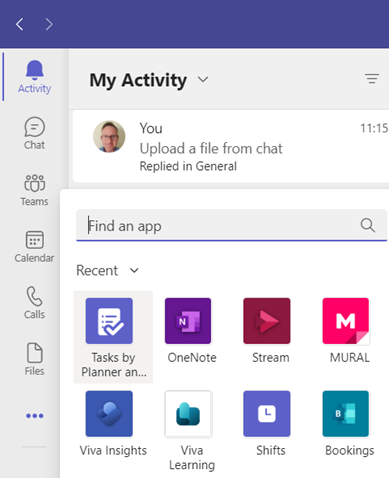
Note: the Tasks by Planner & To Do icon will appear and the main screen will load
- Right-click Tasks icon
- Click Pin to save icon in list
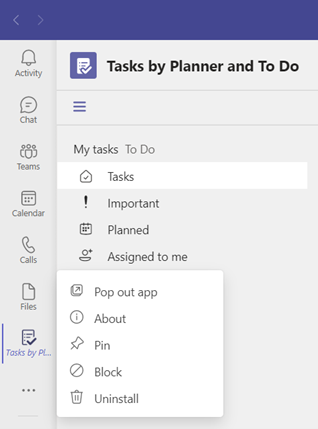
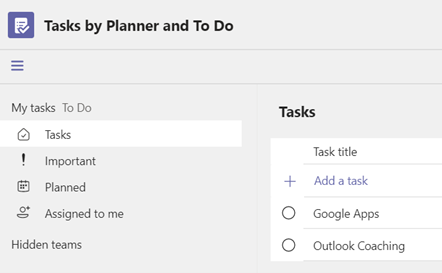
- Click Tasks from the navigation pane
Note: you can view and also create Outlook tasks directly from here
If you want to learn more about how Microsoft Teams works, Priority Management Australia is your best for courses, employee training and more!